Why a No-WiFi Baby Monitor Is a Smart Idea
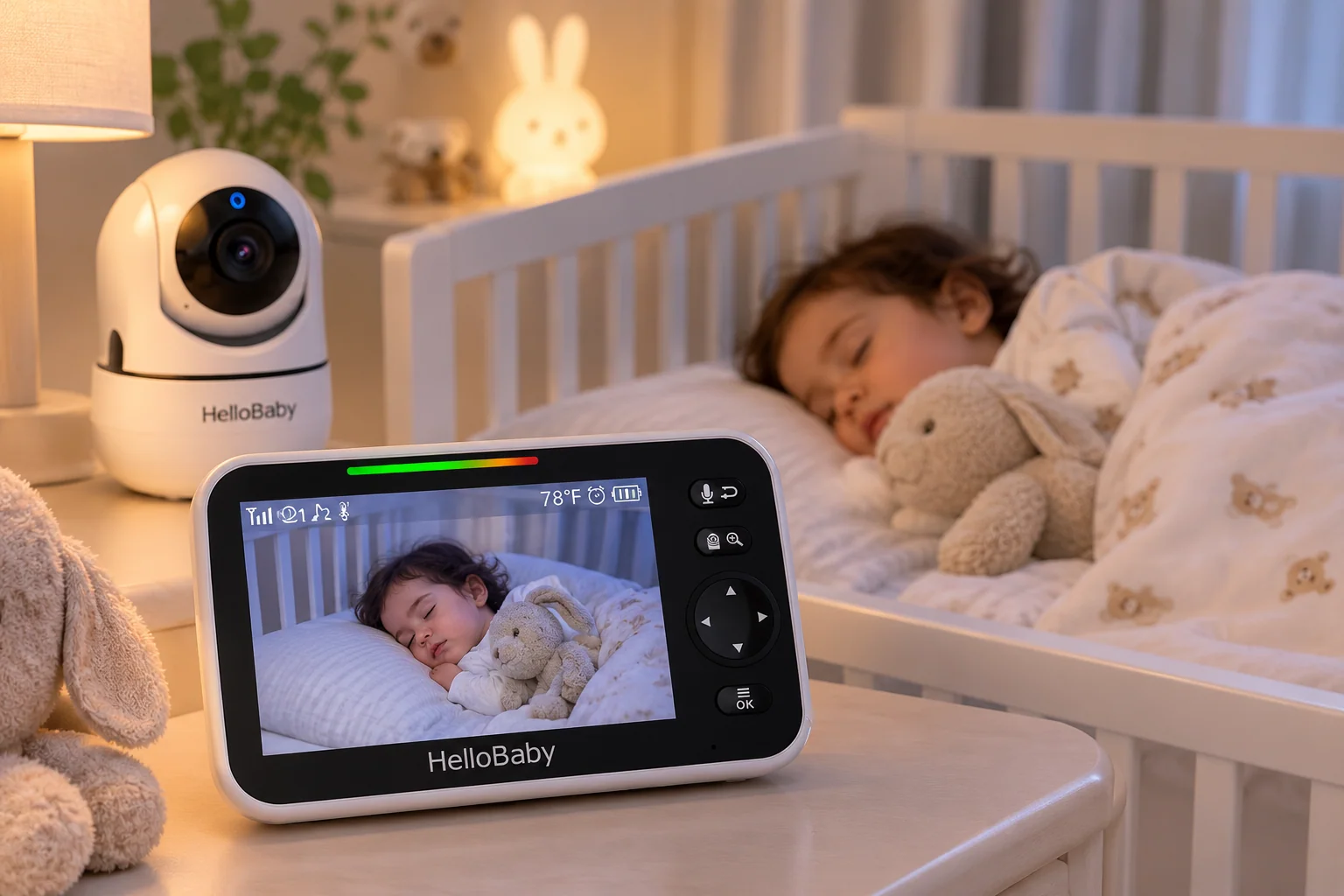
A no-WiFi baby monitor does one job: it sends video from the camera straight to its own screen. Most new monitors want an app, an account and your home WiFi. The HelloBaby HB6550 skips all of that.
That sounds like a step back. It isn't. No internet connection means no password to leak, no app update that breaks things at 2 a.m., and nothing for grandma to set up. You plug in the camera, turn on the screen and see your baby.
Here's why that simple idea is a big deal for a lot of parents, who it suits, and who should pick a WiFi monitor instead. Not sure which you need? The 3-question quiz below sorts it out in a minute.
Building your baby gear list? Our Baby Essentials hub has a diaper bag checklist, and the registry builder turns it into a list you can share.
This post contains affiliate links. As an Amazon Associate I earn from qualifying purchases.
Quick answer
- What it is: a video monitor with a 5" screen that doesn't use WiFi or an app.
- Why it's clever: no internet connection, no account, works anywhere you plug it in.
- Best for: privacy-minded parents, grandparents and travel.
- Skip it if: you want to check on baby from your phone at work.
Why a no-WiFi baby monitor is the smart pick
Nothing on the internet
The camera sends video only to its own screen. There is no cloud account or app login to worry about, and no company server storing clips of your nursery.
Works anywhere
No router, no setup. Plug in the camera, turn on the screen, done. A baby monitor without WiFi works the same at grandma's, in a hotel or in a cabin with no signal.
Simple for everyone
Grandparents and babysitters just pick up the screen. No phone needed, no passwords to share, and nothing to explain twice. The buttons are on the screen itself, so a sitter can zoom or talk back without a lesson.
Nothing to update
There's no app that changes after an update and no subscription for features you already paid for. It does the same thing on day 300 as on day one. When the baby years are over, it still works as a simple camera for a toddler room or a nap at grandma's.
WiFi or no-WiFi: which is right for you?
Your result shows up here right away.
What this no-WiFi baby monitor does
- 5" color screenBig enough to see breathing and small movements.
- Pan, tilt and zoomMove the camera around the room from the parent screen.
- Night visionSee the room in the dark without turning on a light.
- Two-way talkSoothe your little one with your voice from another room.
- Sound-activated screenThe screen wakes when baby makes noise, saving battery.
- Long battery, long rangeListed up to 30 hours and up to 1000 ft in open space.
Battery and range are the maker's claims. Real range is shorter through walls. A no-WiFi baby monitor still uses radio signals, so the FHSS note below matters. We list only what the maker states and what buyers commonly report; read how we pick products for the details.
Great for
- Parents who don't want a camera on the internet
- Grandparents who hate apps and passwords
- Trips, hotels and grandma's house
- Homes with weak or no WiFi
Not for
- Checking on baby from work or your phone
- Recording or saving video clips
- Parents who want sleep stats and app alerts
HelloBaby HB6550 No-WiFi Baby Monitor (2 Cameras)
- No WiFi, app or account needed
- Two cameras for two rooms (this set), shown on one 5-inch screen
- Moves and zooms to see the whole room
- Simple enough for grandparents
- Easy to pack for trips
- Can’t check from your phone when away from home
- No video recording
- Range of up to 1000 ft is the maker’s open-space claim; walls shorten it
Best for: privacy without the fuss
Check price on AmazonSetting up a baby monitor without WiFi safely
Follow the manual, and keep the camera and every cord well out of your baby's reach. Mount the camera on a wall or high shelf, never on or in the crib, and check that no cord can be pulled down. A monitor is a helper, not a replacement for checking on your baby.
The nights after a big change, like the week you stop the pacifier, are when a quick look from the hallway helps most. And if you batch-cook purées at nap time, the screen lets you stay in the kitchen: our guide to the steamer-blender shows how.
FAQ
Is a no-WiFi baby monitor more private?
It doesn't connect to the internet, so there is no online account or app that could be accessed remotely. That is the main reason many parents choose one. If you do pick a WiFi camera, the US government's CISA advice on securing connected devices explains how to lock it down: change the default password and keep it updated.
Can I watch a no-WiFi baby monitor on my phone?
No. You watch on the included parent screen. If phone viewing is a must, look at a WiFi monitor instead, and use two-step login. Many families end up with both: a WiFi camera for checking in from work, and a no-WiFi baby monitor at home for nights and naps.
Does a baby monitor without WiFi work through walls?
Yes, but range gets shorter through walls and floors. The listed range is for open space, so test the screen in the rooms you actually use before the first night. Thick walls, metal doors and the microwave are the usual culprits.
Can I add a second camera?
The listing offers a two-camera set, so you can watch two rooms on one screen. That helps when a toddler and a baby sleep in different rooms. The screen switches between cameras, or shows both, so you don't carry two parent units around the house.
Does a monitor make sleep safer?
No monitor replaces safe sleep habits. The AAP's guide to safe sleep covers the basics: baby on their back, on a firm flat surface, with nothing else in the crib. Ask your pediatrician if you have questions about your baby's sleep.
Know someone setting up a nursery?
Send her this before she buys a monitor. It's the question nobody asks until it's too late.
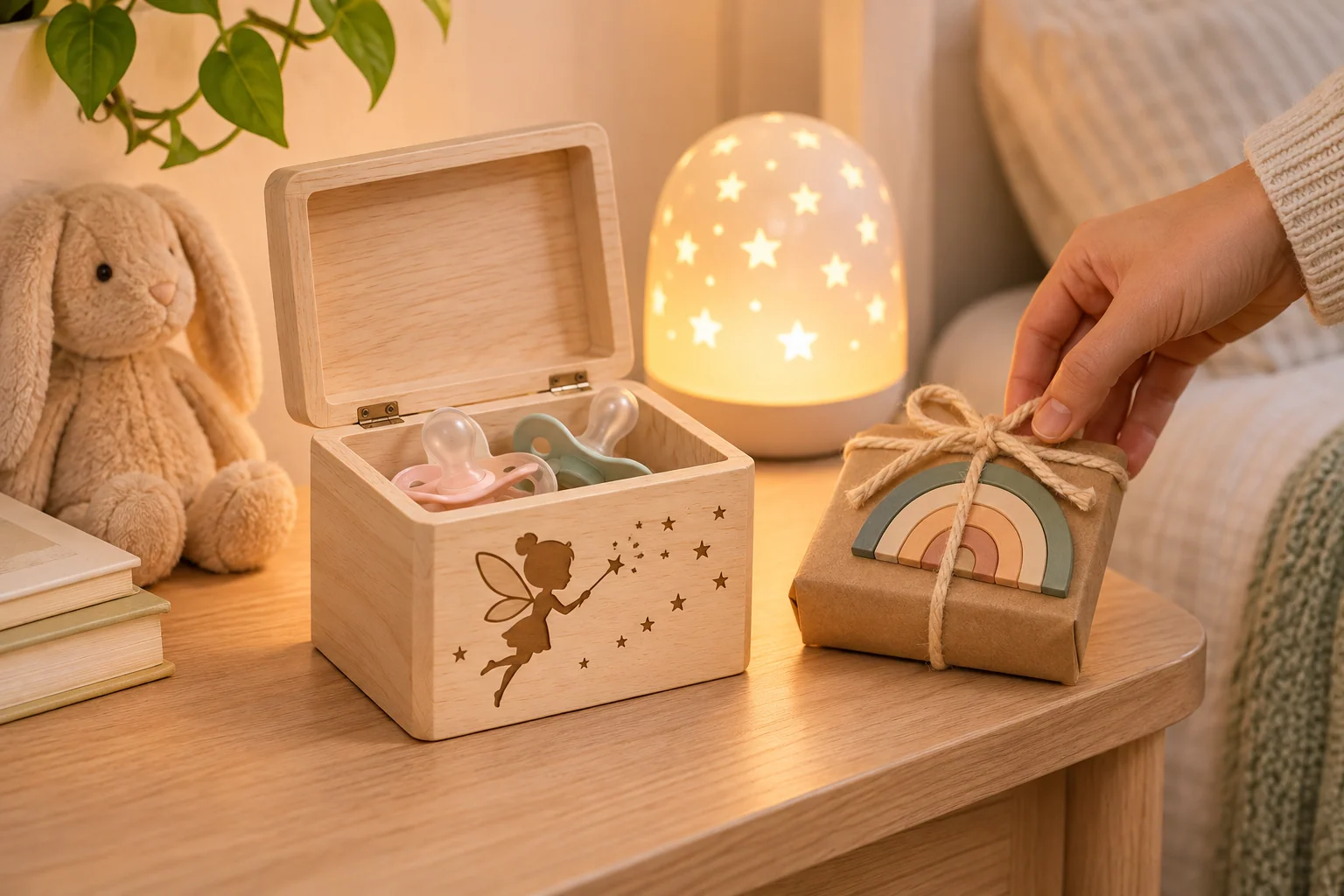
How to Stop the Pacifier Without the Bedtime Battles
Six gentle steps to stop the pacifier, a 2-minute readiness check and a free printable sticker chart pack.
Keep reading →